Multisend lets you send ERC20 tokens to multiple addresses at once rather than sending transactions one by one. With just a few clicks, you can create and send bulk transactions automatically, saving significant time and automating the process. Private keys and account information stay secure. Multisend is useful when distributing tokens to many addresses, for example in an airdrop to a lot of recipients or payroll where you are sending many of the same ERC20 tokens to different addresses.Documentation Index
Fetch the complete documentation index at: https://blockscout-mf-14206.mintlify.app/llms.txt
Use this file to discover all available pages before exploring further.
Get Started
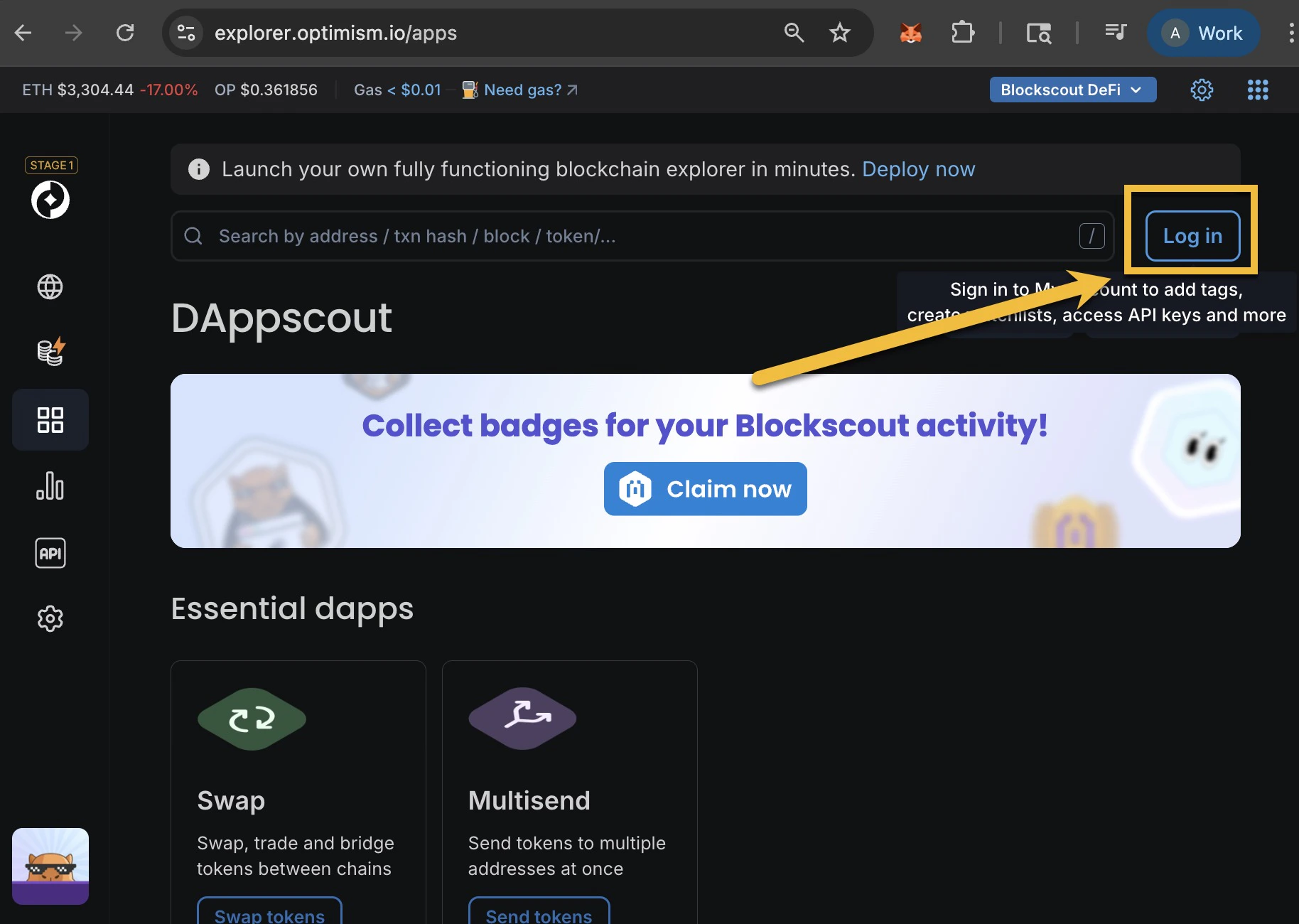
- Connect your wallet to Blockscout (if needed)
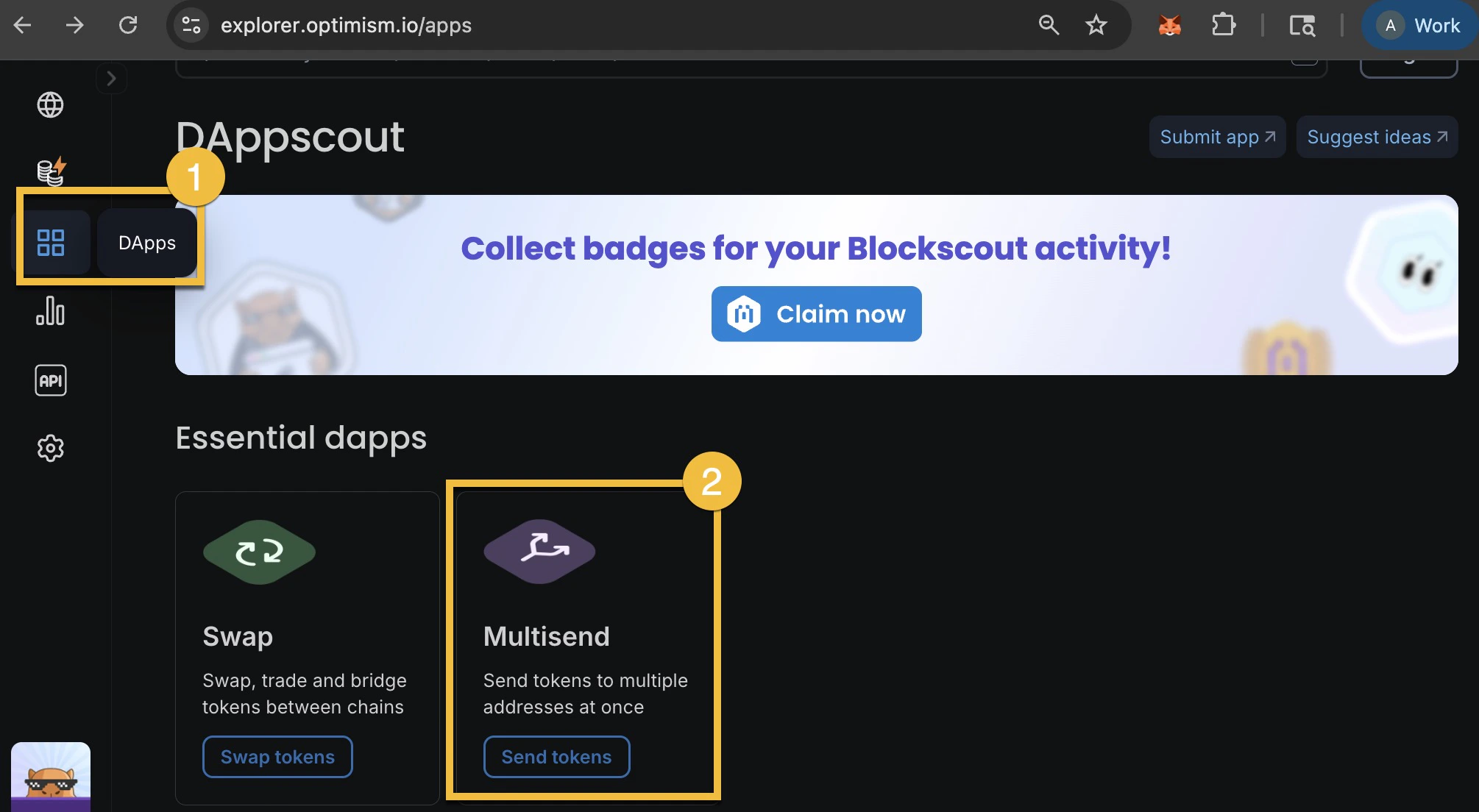
- Find the Multisend app in the Essential Dapps Menu
- Click on the token field and select the token you want to send.
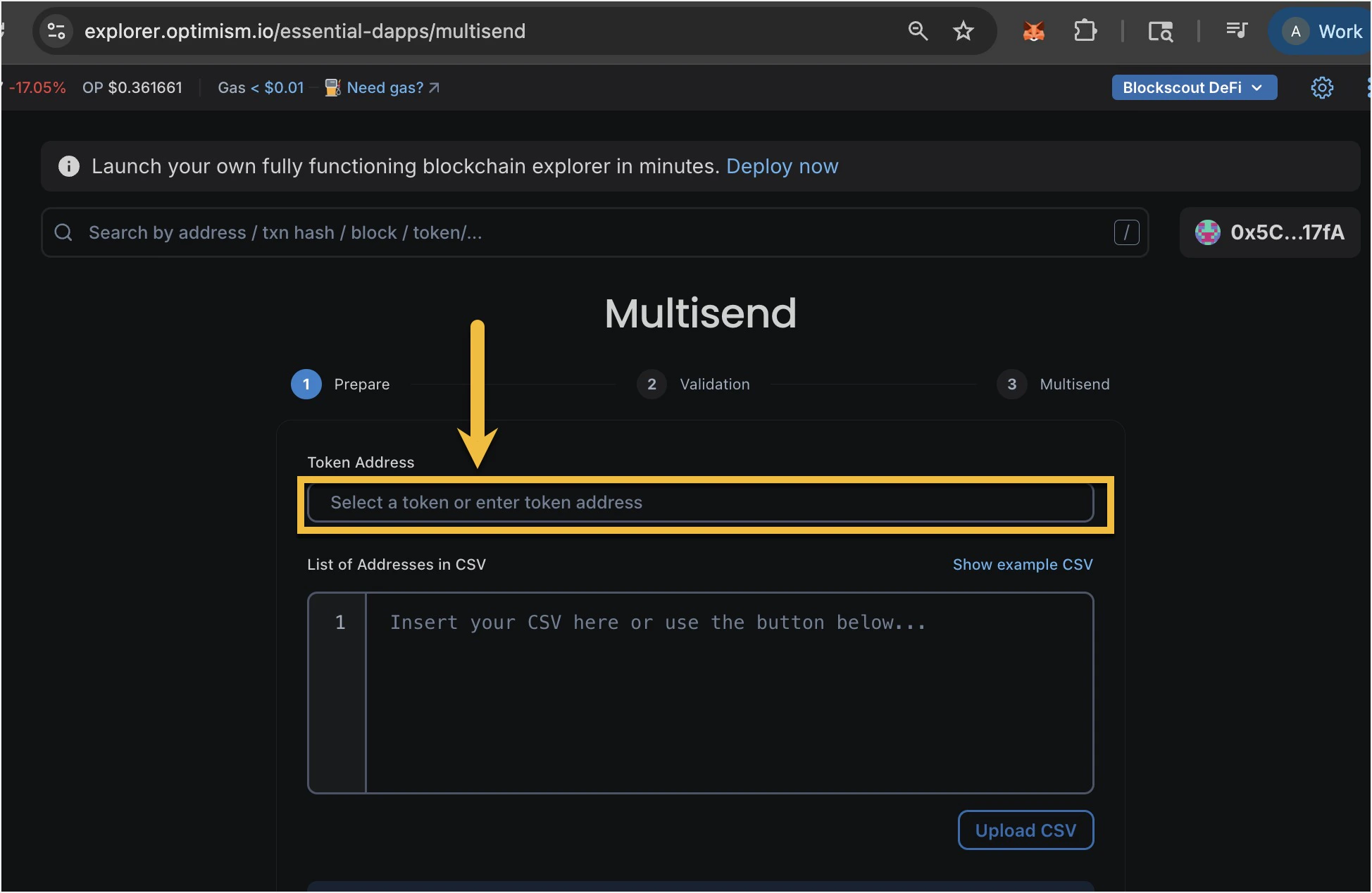
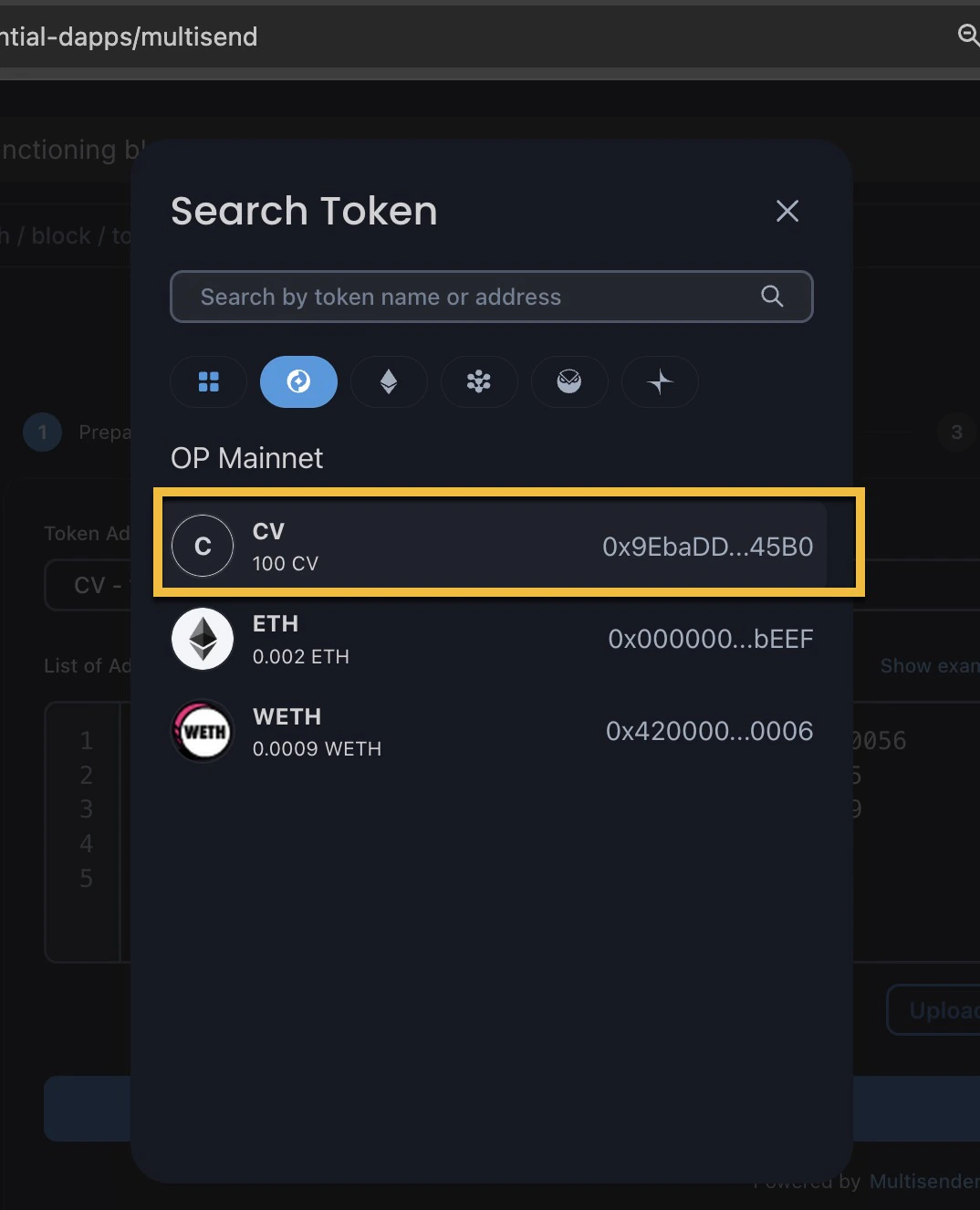
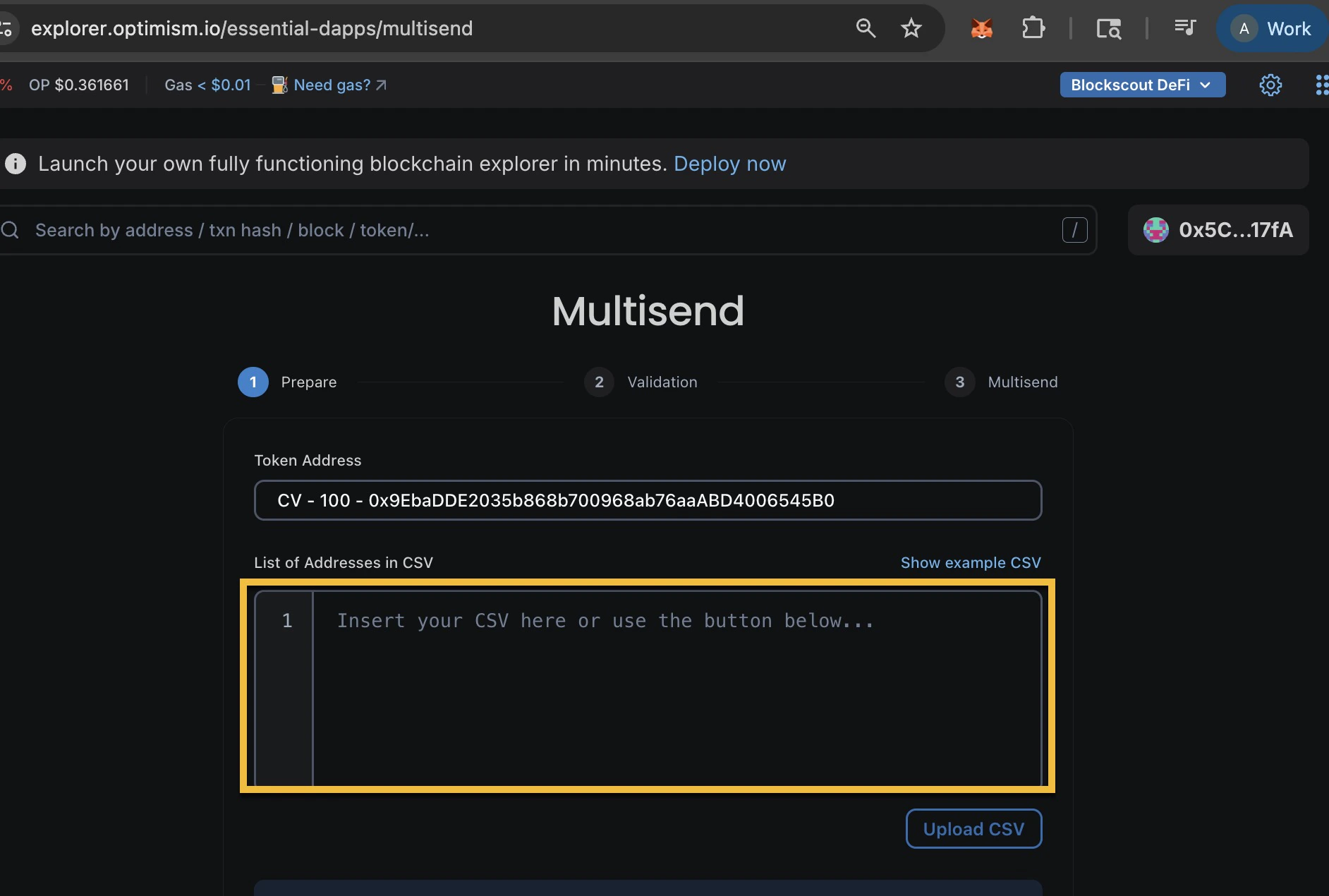
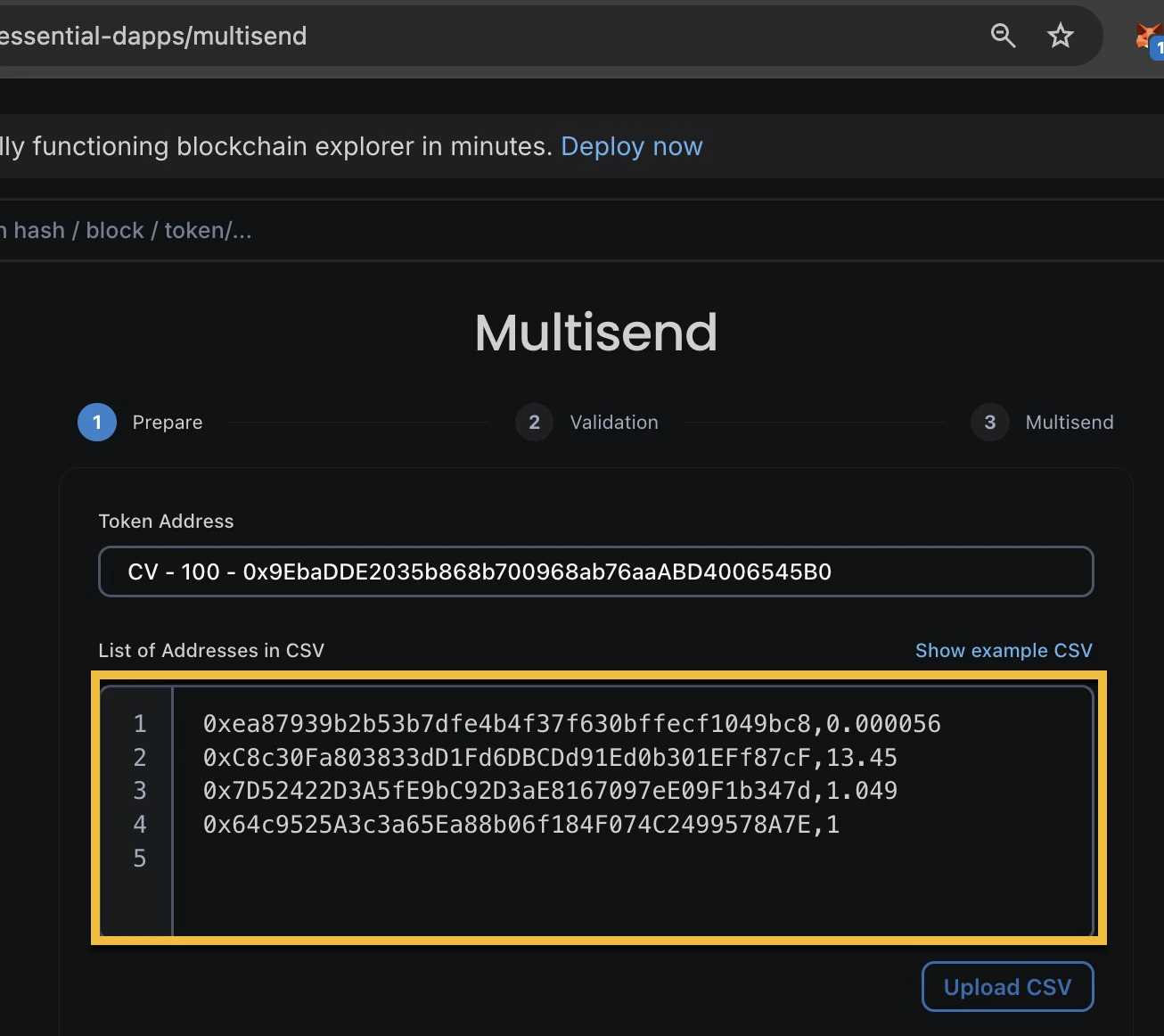
- Specify a list of addresses and amounts in CSV format (for example
0x5c36bd76a6c138187c43da92f66f37e23b4017fa,12) with 1 address and amount per line. You can upload a .csv file and the box with auto-populate. Click the ‘Show Sample CSV’ button to see the formatted example.
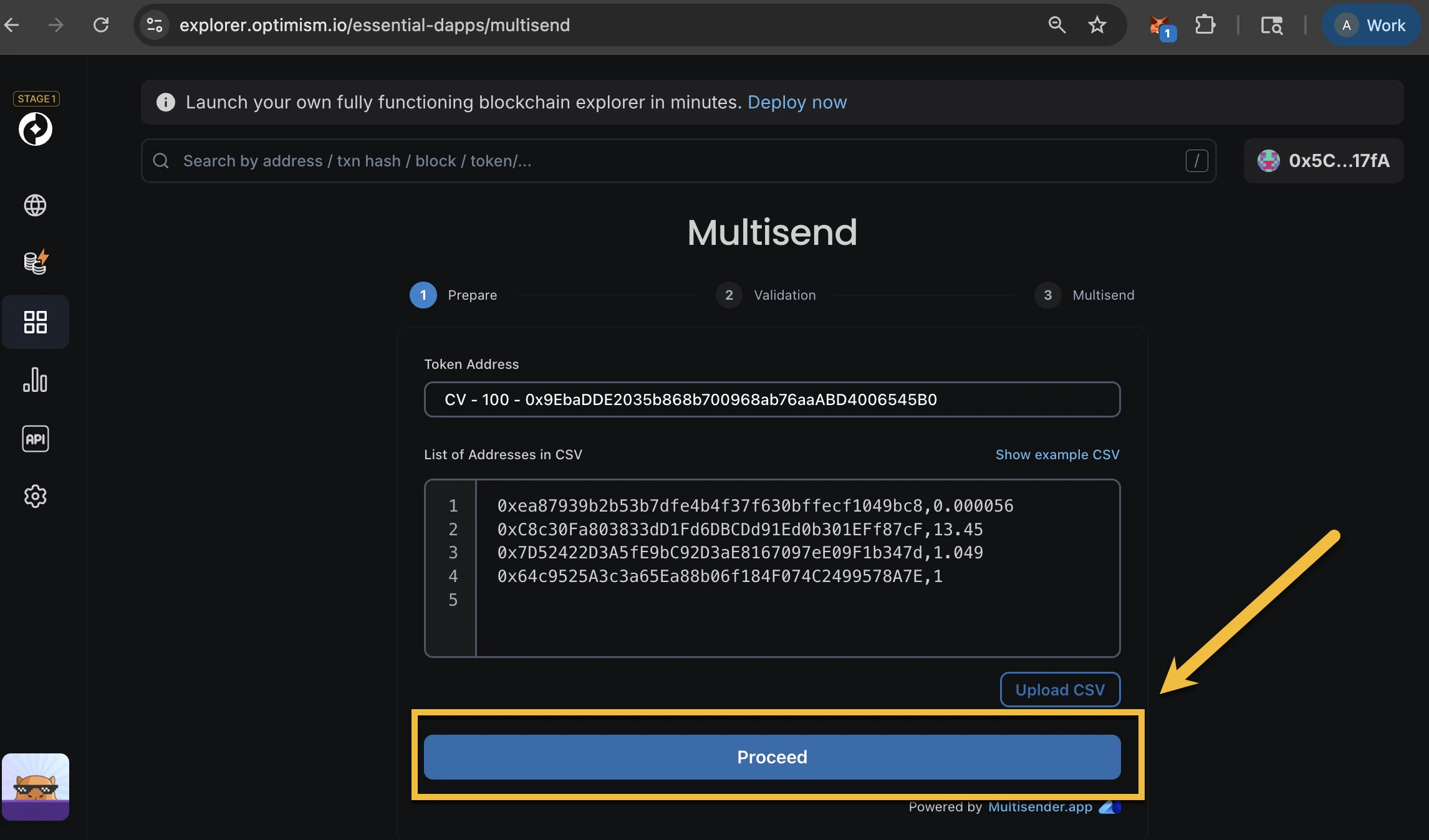
- Click Proceed to go to the next step, Validation.
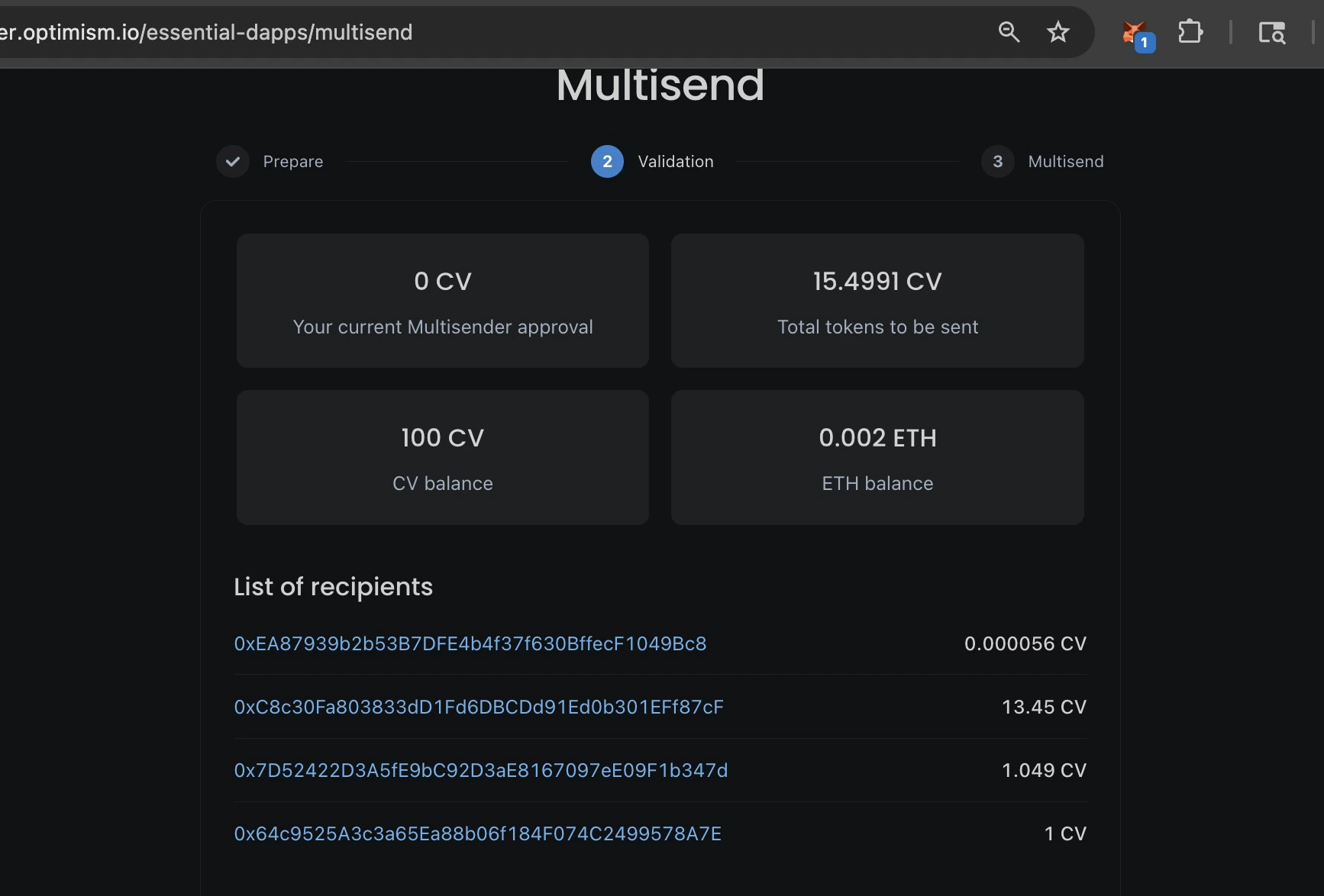
- In the Validation step you will see the amount approved (0 at the moment), the total tokens to be sent, the total number of tokens in the wallet, and the total amount of ETH in the wallet. You will also see the list of recipients and allocations for each address.
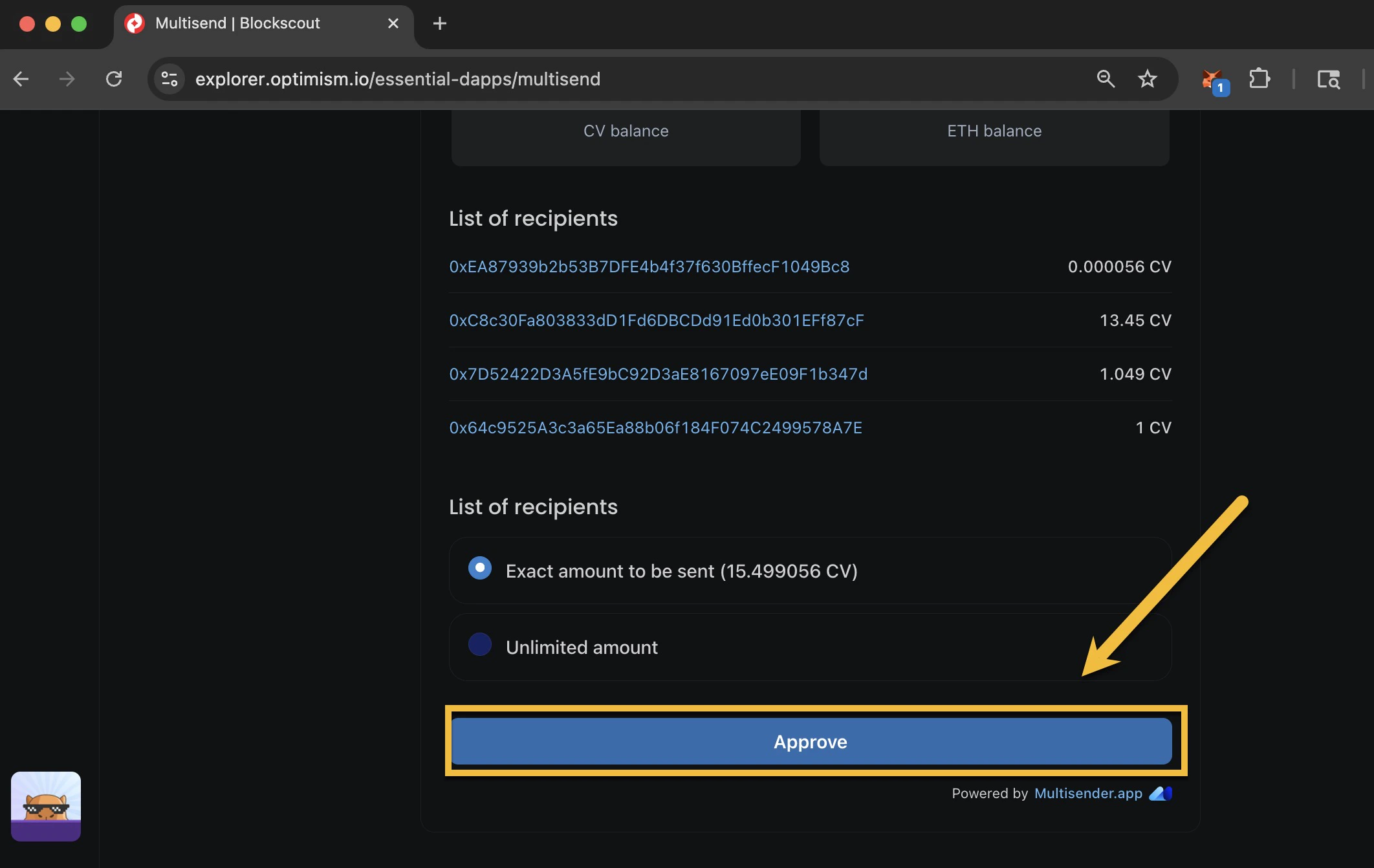
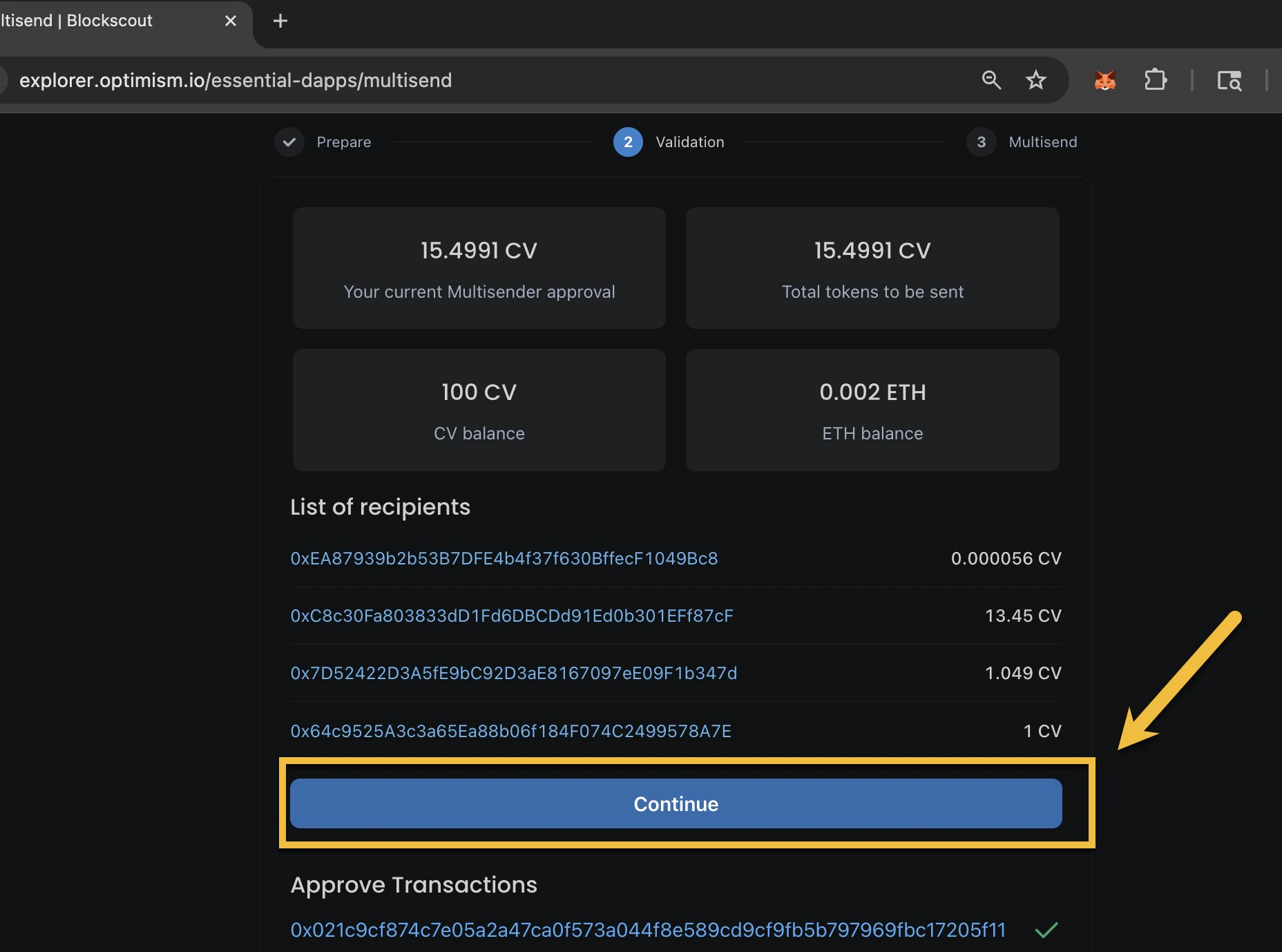
- Once you have approved the app to send tokens, you will see the approval transaction in the app. Click Continue to go to the third step where you will complete the transaction(s).
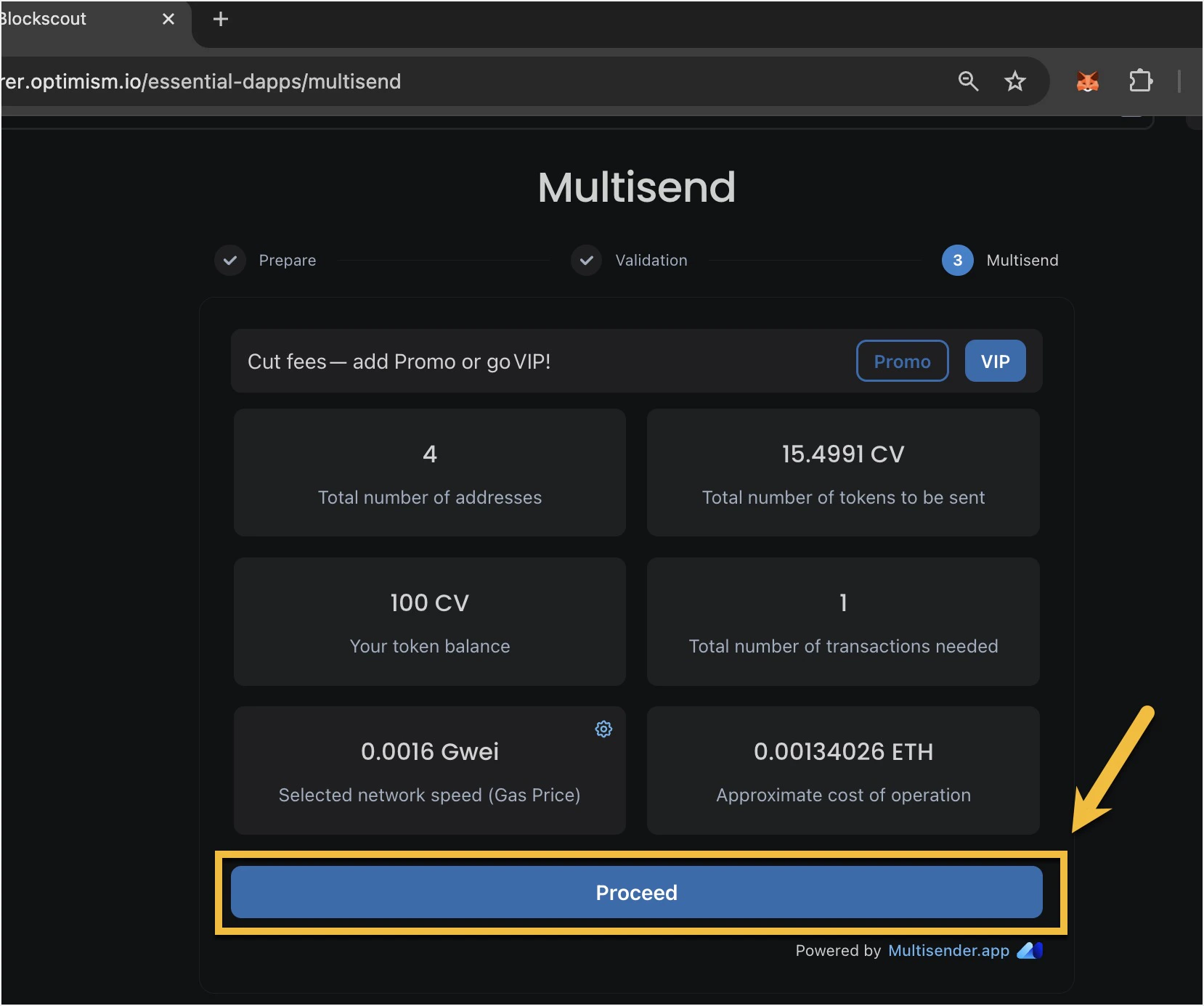
- View the total estimate. You will see an overview along with the cost estimate. You can change the value of gas price with the gear icon, but this can cause issues and is not generally recommended. If everything looks good, click Proceed and sign the transaction(s) in your wallet. There may be multiple transactions to sign depending on the number of recipients.